


Housework,
without the nagging.
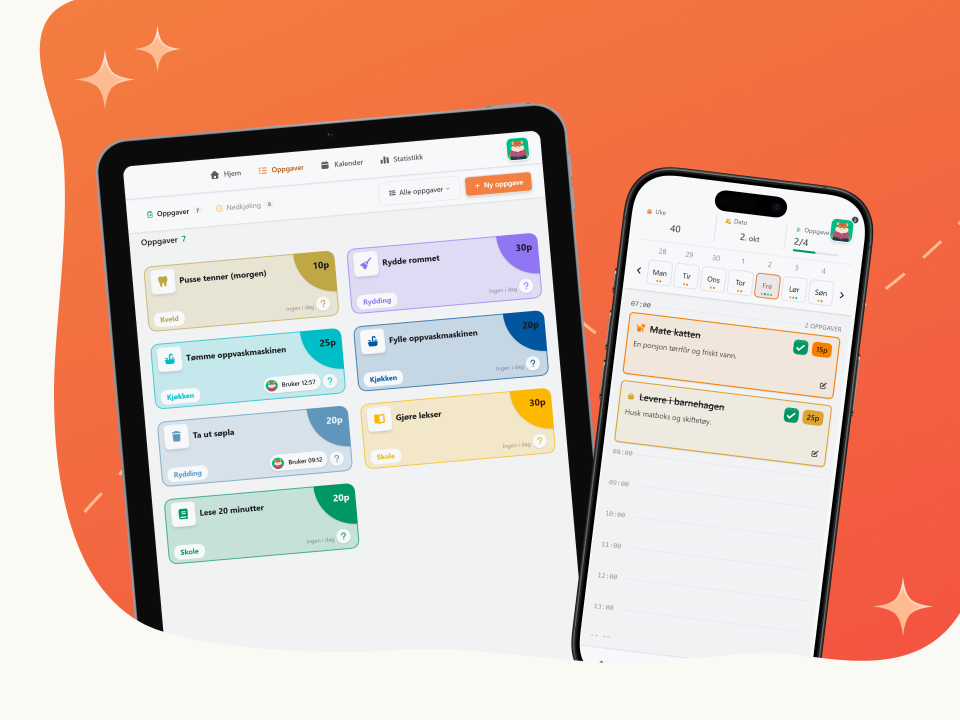
Put the chores on one board and let everyone in the house take their share. Chores earn points, and the points can go toward whatever you agree on – new clothes for the hamster, a movie night or a Sunday without doing the dishes.
Nobody has to remember everything for everyone anymore. The hamster does.
A little play. Much less chaos.
Tasks, points and overview in one place. Start from a ready-made template, or build the task from scratch. You know best what works at home.
Tasks for everyone
Points for effort
Everyone pitches in
See who does what
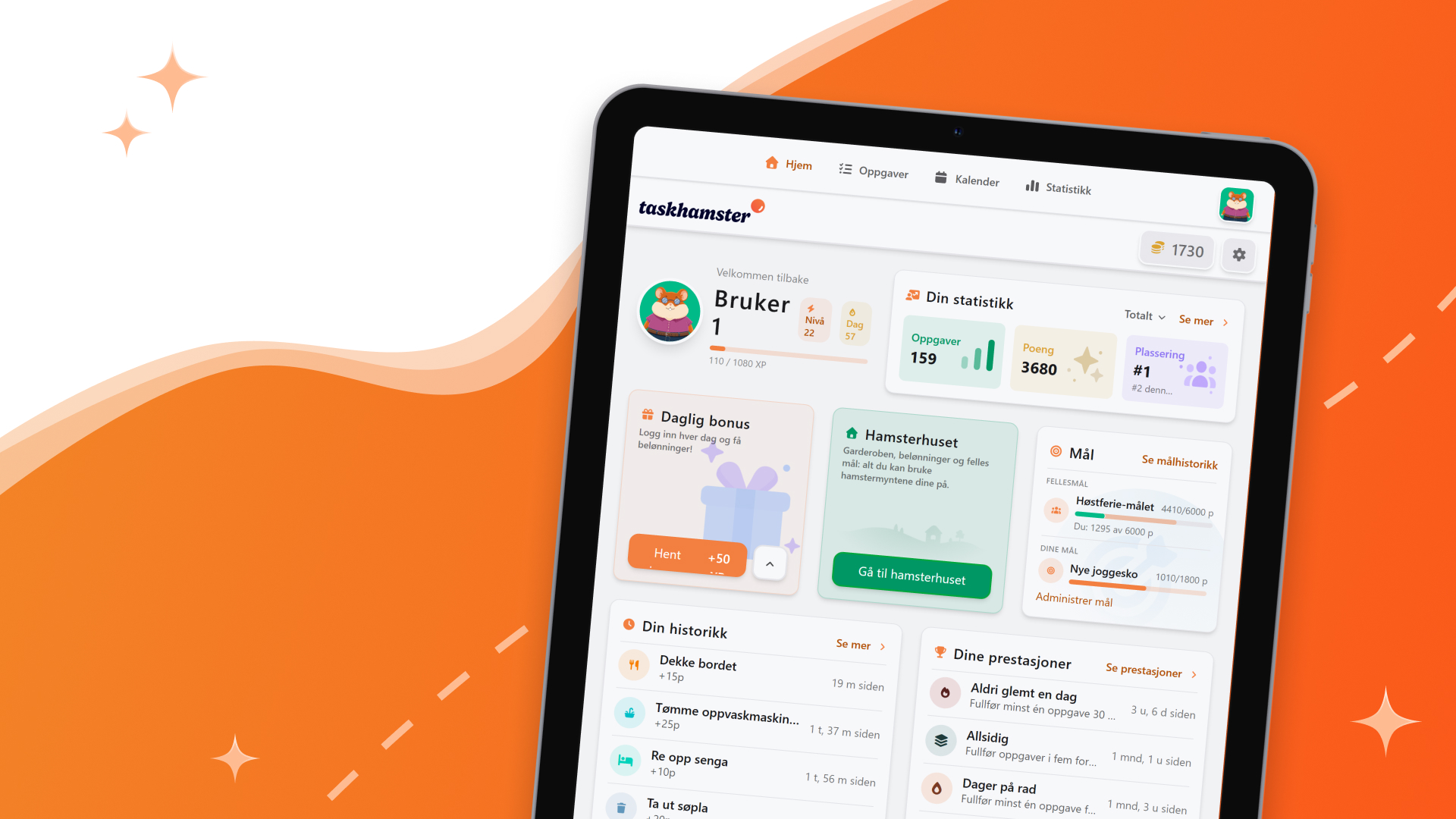
Statistics and a leaderboard show who's pulling their weight. The household decides for itself how much is visible to everyone, and how much only the adults see.
Save for shared goals
Monthly report
Little tricks from busy homes
How to set up the household in one evening
You don't have to plan the whole year. Four chores and one week is enough to see whether it works.
Why rewards beat nagging, and where the line is
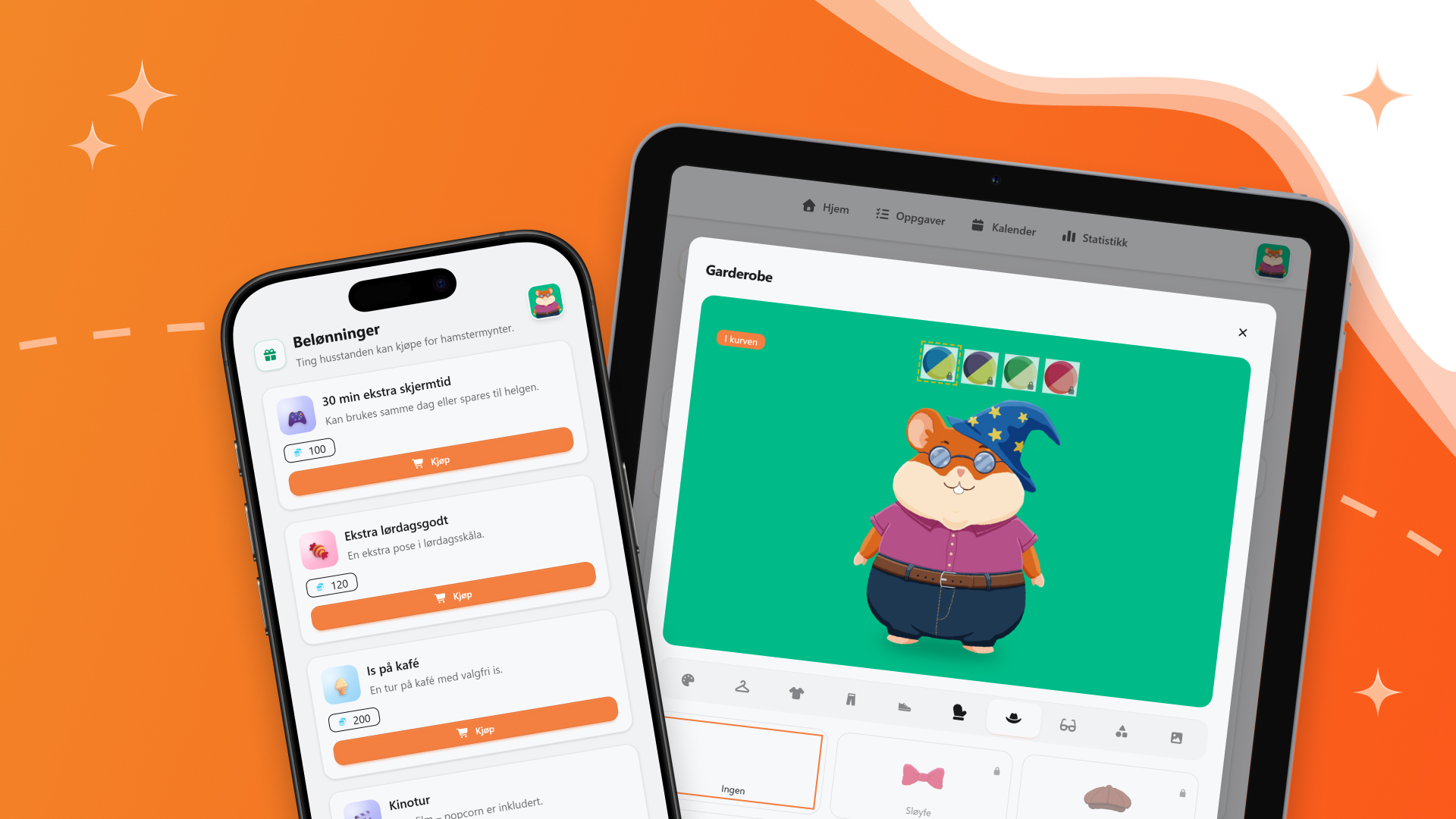
Small, visible rewards move responsibility where it belongs. Here's what works, and what stops working.
Routines that survive a busy week
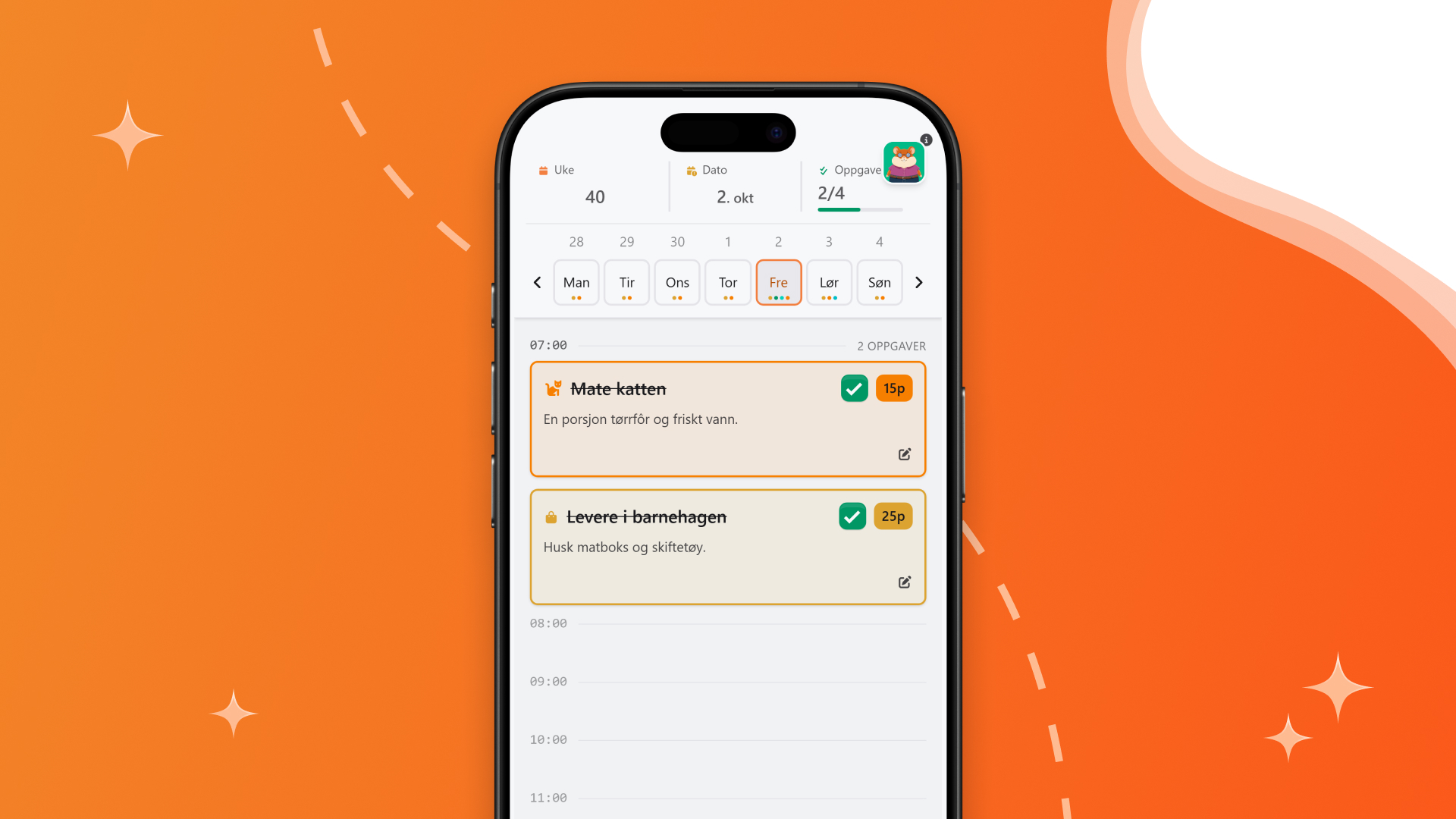
Routines break in exactly the week that matters. When they do, it's the routine that's wrong, not the week.

Got a question?
General
What is Taskhamster?
Taskhamster brings tasks, points and an overview of the home together in one place. Everyone in the household can see what needs doing and whose turn it is, and the points make getting it done a little more fun.
Who is Taskhamster for?
For anyone who wants to share the responsibility for the home: families with children and teenagers, couples and shared flats. Everyone in the household gets their place, whatever their age.
What age is Taskhamster suitable for?
Tasks can be adapted for children from around the age of three, and children need neither an email address nor their own phone. Teenagers and adults use it the same way. The tasks you add decide what fits.
How do we get started?
You get the app, buy the subscription in the app store and create the household. Then you add the others in the home.
What languages is Taskhamster available in?
Norwegian (Bokmål), English, Swedish and Danish. The language is chosen per user, so you can happily have different languages in the same household.
How many can be in a household?
Up to nine people in one household. If the household is full, the app tells you, and pending invitations count. If you need more people, the limit can be raised. Get in touch.
Which app helps a family organise household chores?
Taskhamster keeps the chores in one place: the parents add tasks, the children see what needs doing and tick it off when it is done, and everyone can see what is left.
Can children earn pocket money with Taskhamster?
Children earn points for the tasks they do, and the points are exchanged for rewards the family decides on. No real money changes hands in the app.
Can a task repeat every day or week?
Yes. Recurring tasks sit in the calendar, and a task can be given a rest period, so it turns up again by itself when it is time.
Can we decide who has which task?
Yes. Each task shows the name of the person whose turn it is, so nobody has to ask what is next.
Can an adult approve that a task is done?
Yes. A task can require confirmation from an adult before it counts. Use it for the things that have to be done properly.
What happens when a task is done?
The task is ticked off and goes into the history, and whoever did the job gets points. If the task requires confirmation, it only counts once an adult has approved it.
Do we get a summary of what has been done?
Yes. Every month a short summary lands in the adults' inbox, showing who did what. Nobody has to put the report together themselves.
How do you earn points?
You earn points by completing tasks.
What can you use the points for?
The points a child earns are the same ones they spend when they buy something in the Hamster House. The points can also be saved towards a shared goal.
Can we save up together for a goal?
Set a goal for one person or for the whole household: a pizza night, an extra hour of screen time, a day trip. The points build up until the goal is reached.
Can we see who has done the most?
Yes. Statistics and a leaderboard show who is pulling their weight.
Who can see the statistics?
The household decides for itself how much is visible to everyone, and how much only the adults see.
How do I log in?
With your email address and your password, both in the app and in the browser. You don't choose a username.
Do the children need their own email address?
No. An adult creates members with a name and an optional four-digit PIN. The members have no login of their own: they pick themselves from the profile list after an adult has logged in, and the PIN protects their profile.
Can a child get their own login later?
Yes. The household owner attaches an email address to the member, the member accepts the invitation and sets their own password. After that they log in themselves, on their own device.
How do we switch between us on a shared screen?
Everyone in the household appears as profiles you choose between. If the profile has a PIN, you enter it to get into it. No one logs out and back in.
Can several adults share one household?
Yes, and they can each have their own login. The roles are Parent and Child, and whoever created the household is the owner.
What does Taskhamster cost for a household?
The private version is a subscription you buy in the App Store or Google Play, and Apple or Google handle the payment. There is no free version of the private edition. If there's a free trial, it's the store's own introductory offer, and the terms are stated there.
Is there a free version?
No, there is no free version of the private edition. If there is a free trial, it is the store's own introductory offer, and the terms are listed there.
What do we get with the subscription?
The whole household shares one subscription with full access to every feature: unlimited tasks, statistics and room for up to nine people.
How do I cancel the subscription?
The subscription is bought in the App Store or Google Play, so that is also where you manage and cancel it.
What do I need the app for, and what can I do in the browser?
It's the same product behind both. Two things exist only in the app: notifications on your phone, and buying and renewing the subscription. The rest works just as well in a browser, on a PC or a tablet on the kitchen counter.
Do we need a dedicated tablet to use Taskhamster?
No. Taskhamster runs on the phones and tablets you already have, on both iOS and Android, or in the browser.


Talk to us
Questions, ideas or just a hello? We answer everything – even hamster questions.
One price. No surprises.
The subscription is bought in the App Store or Google Play and covers the whole household. If you need more, get in touch and we will raise the limit.