For the small but important tasks.
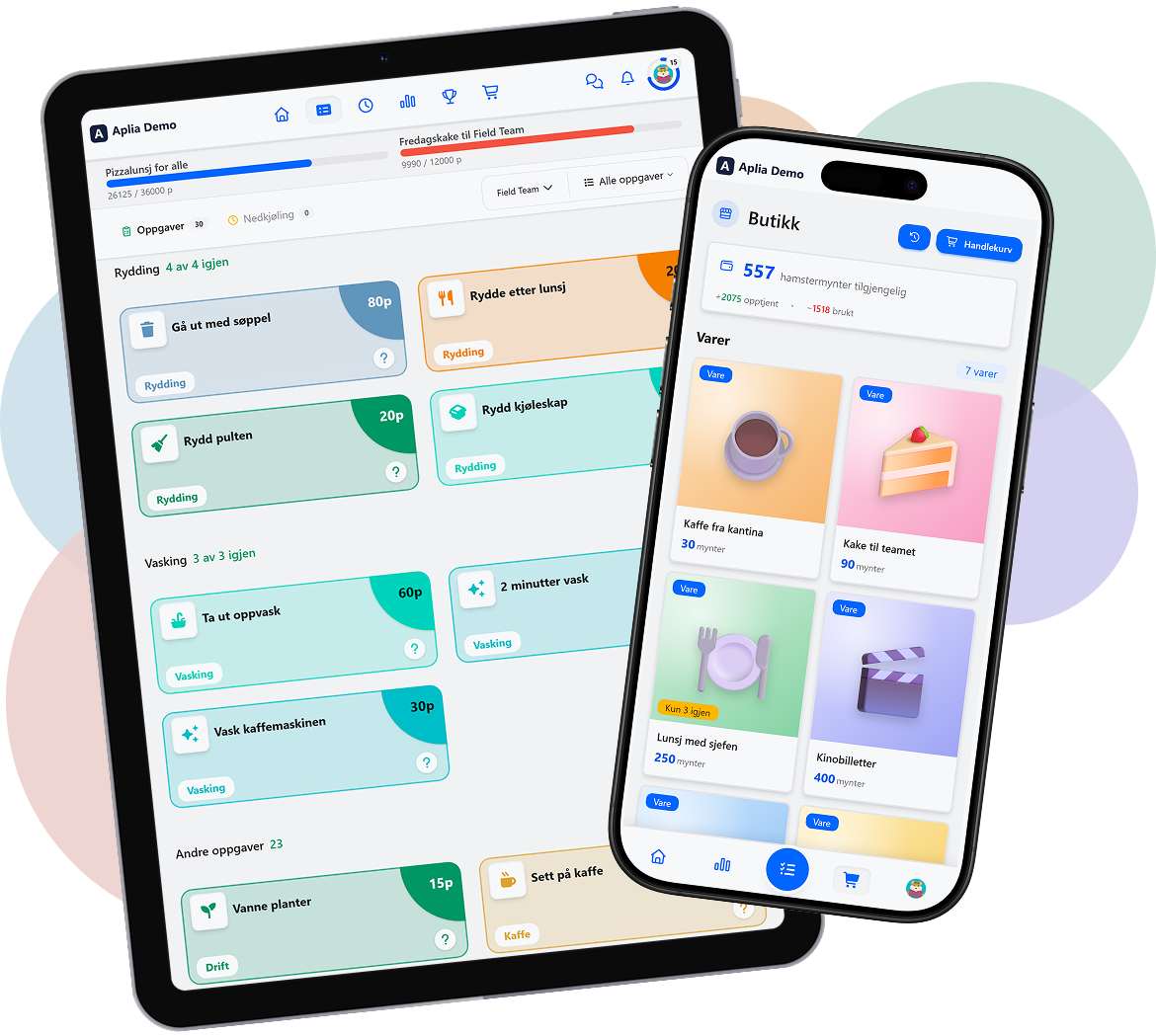
The coffee, the dishes, the trash, the tidying. The recurring tasks are collected on one board everyone can see, instead of in an email thread or in the head of whoever cares the most. Whoever does a task ticks it off and earns points.
A fun tool that tackles the small tasks, boosts motivation and makes the workplace a nicer place to be.
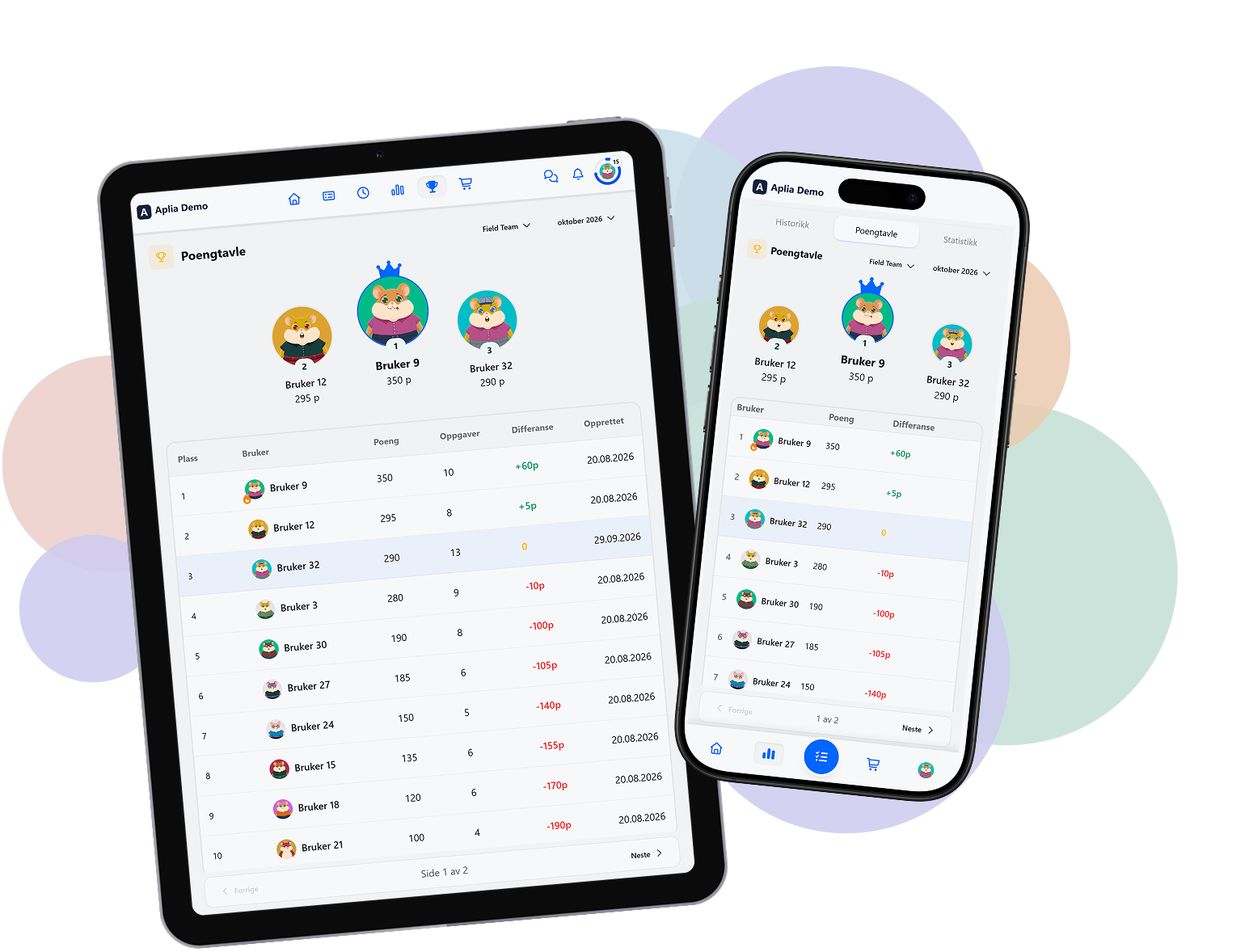
Structure without the extra admin
Tasks, points and an overview, all in one place – use ready-made templates, or set up your own. Two reward pots: one shared for the department, one personal, anything from time off in lieu to small prizes.
Full overview of the tasks
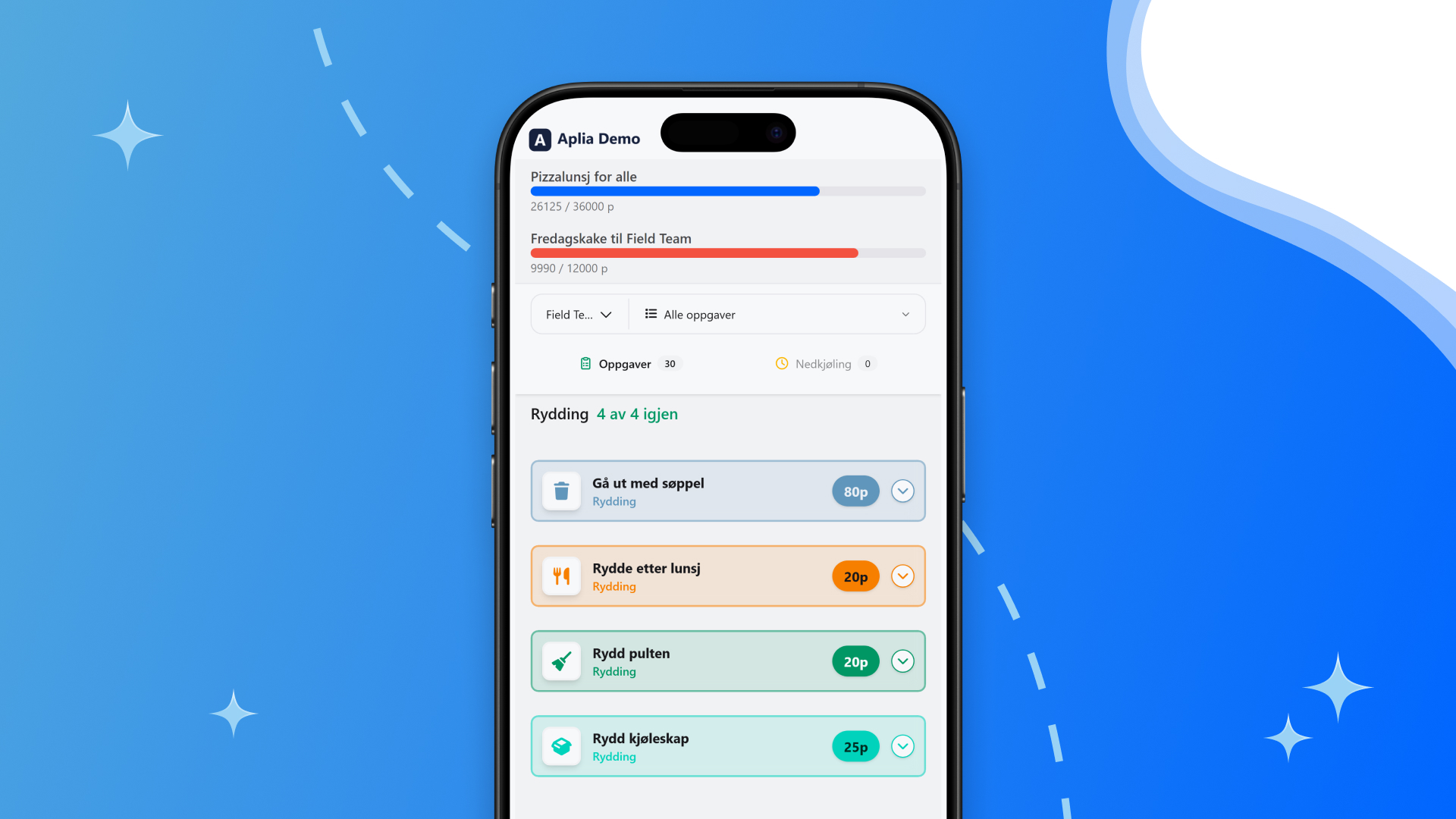
Tasks are gathered in one place, with clear ownership of who does what and when. Nobody has to dig through an email thread to find out what's left.
Points for the job that gets done
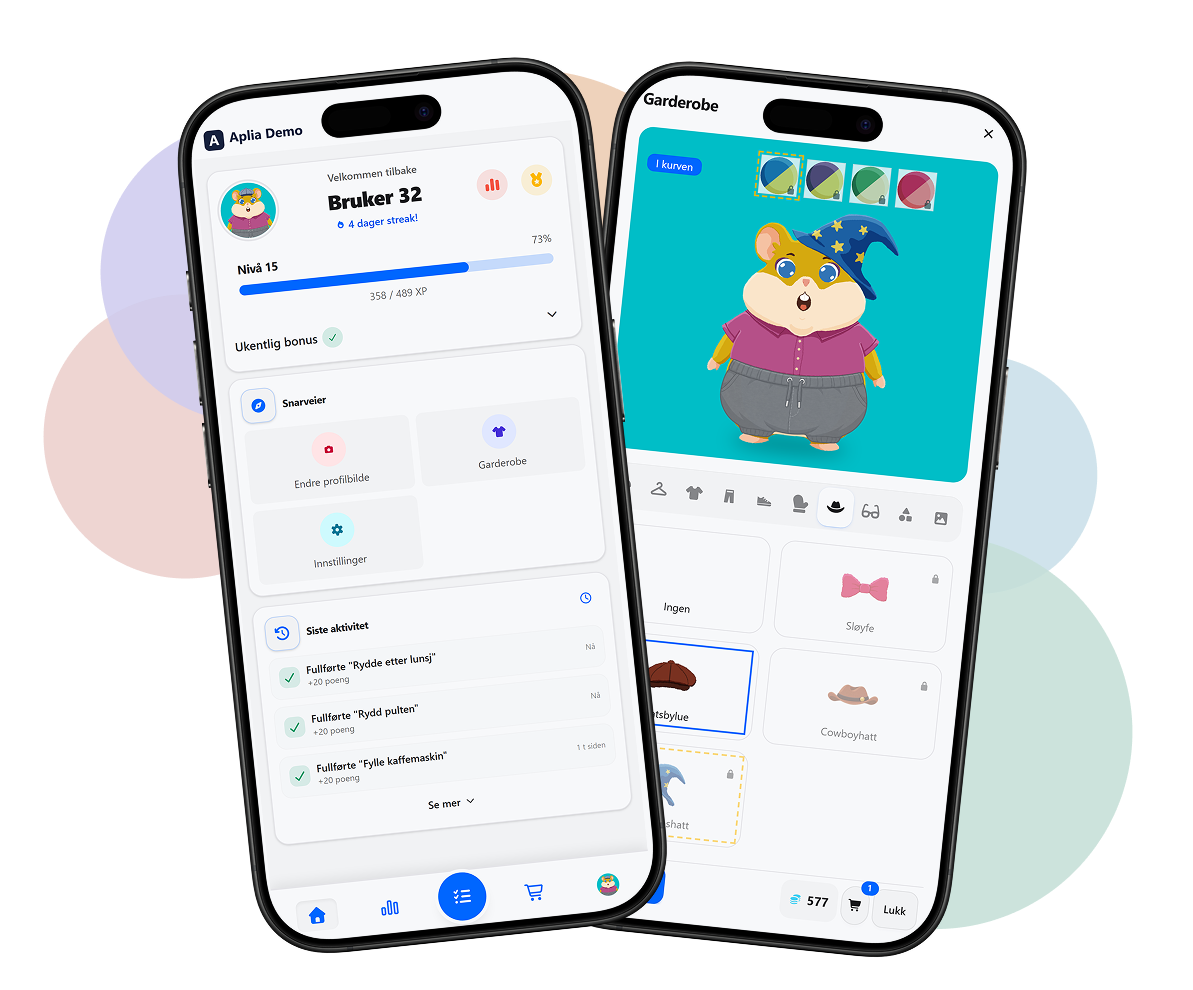
A completed task earns points, visible to whoever did the job. It's a simple way to recognise the effort, without a form to fill in.
Working together
When tasks are visible to everyone in the department, it's easier to see who needs a hand – and easier to take responsibility without being asked.
Statistics
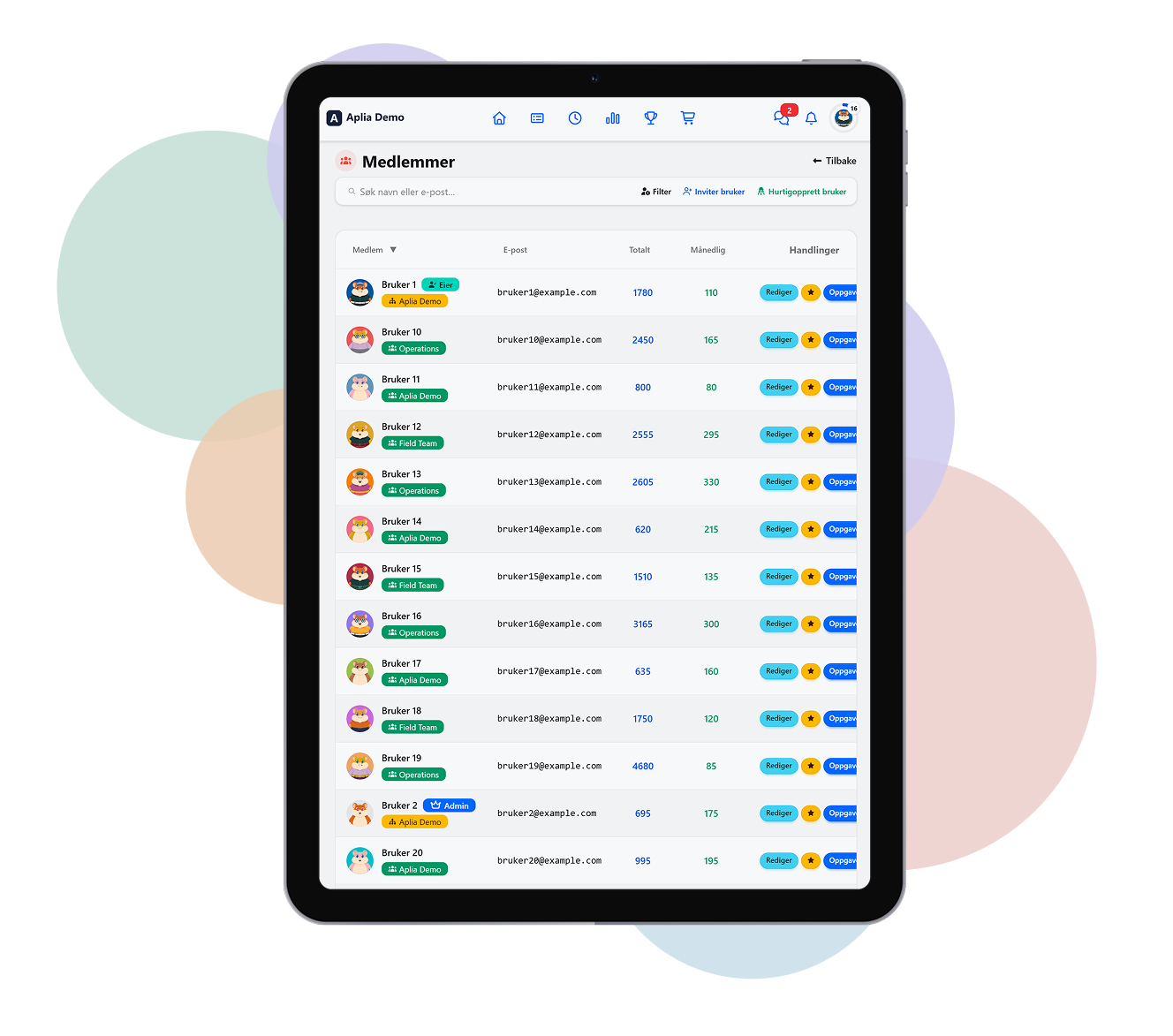
Open statistics: an overview of who does what, as a basis for praise and a better split of the work.
Hidden statistics: progress and overview for the manager, without turning into a ranking the staff can see.
Departments
Organise the business the way it's actually structured. As many departments as you need, each with its own tasks and its own overview.
Monthly report, automatic
Every month, the manager gets a short summary straight to their inbox – who's done what, without anyone having to put it together themselves.
From the blog
See all posts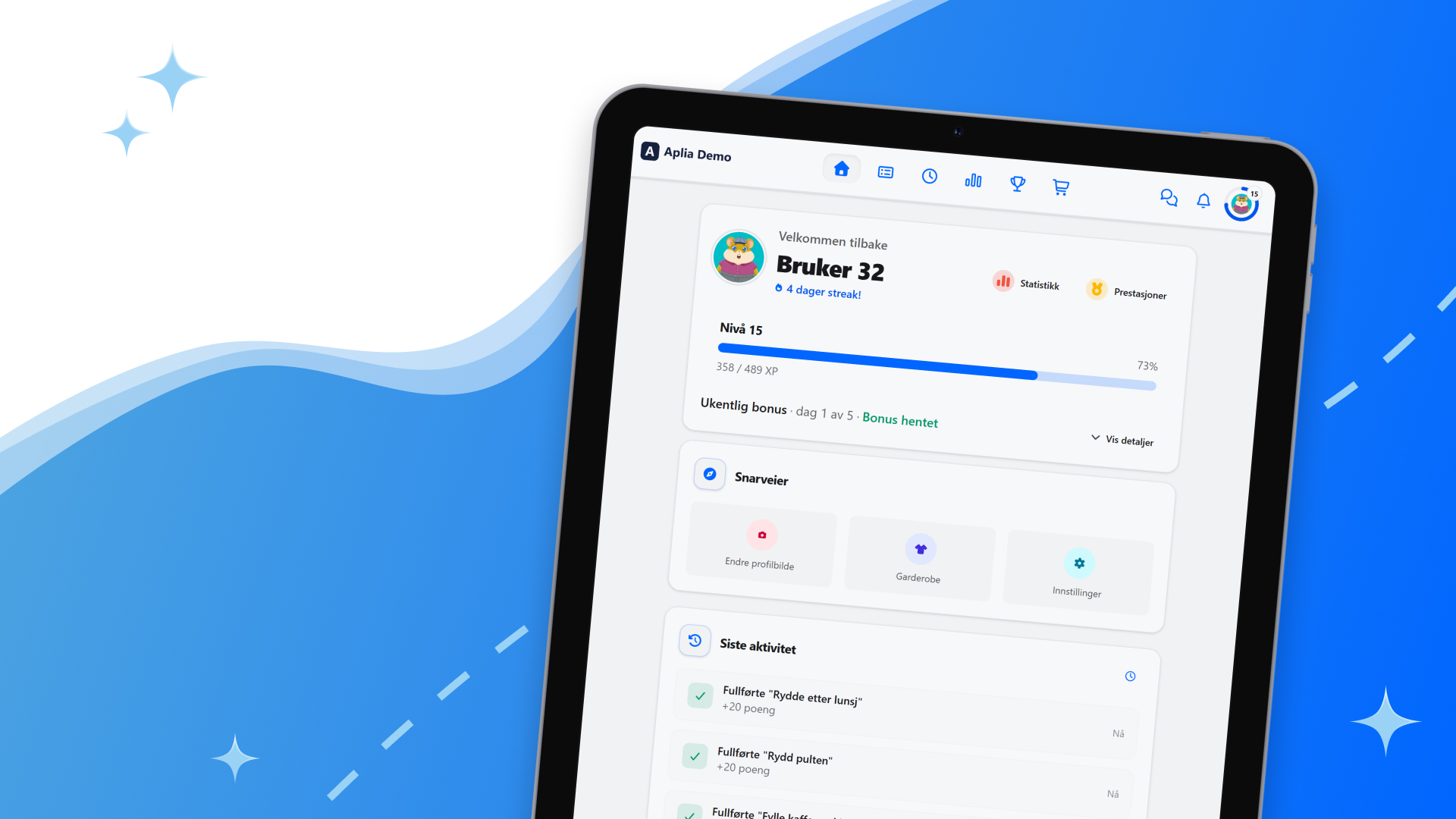
Get started in a morning
The company registration number fills in most of it. The rest is deciding who's coming along.
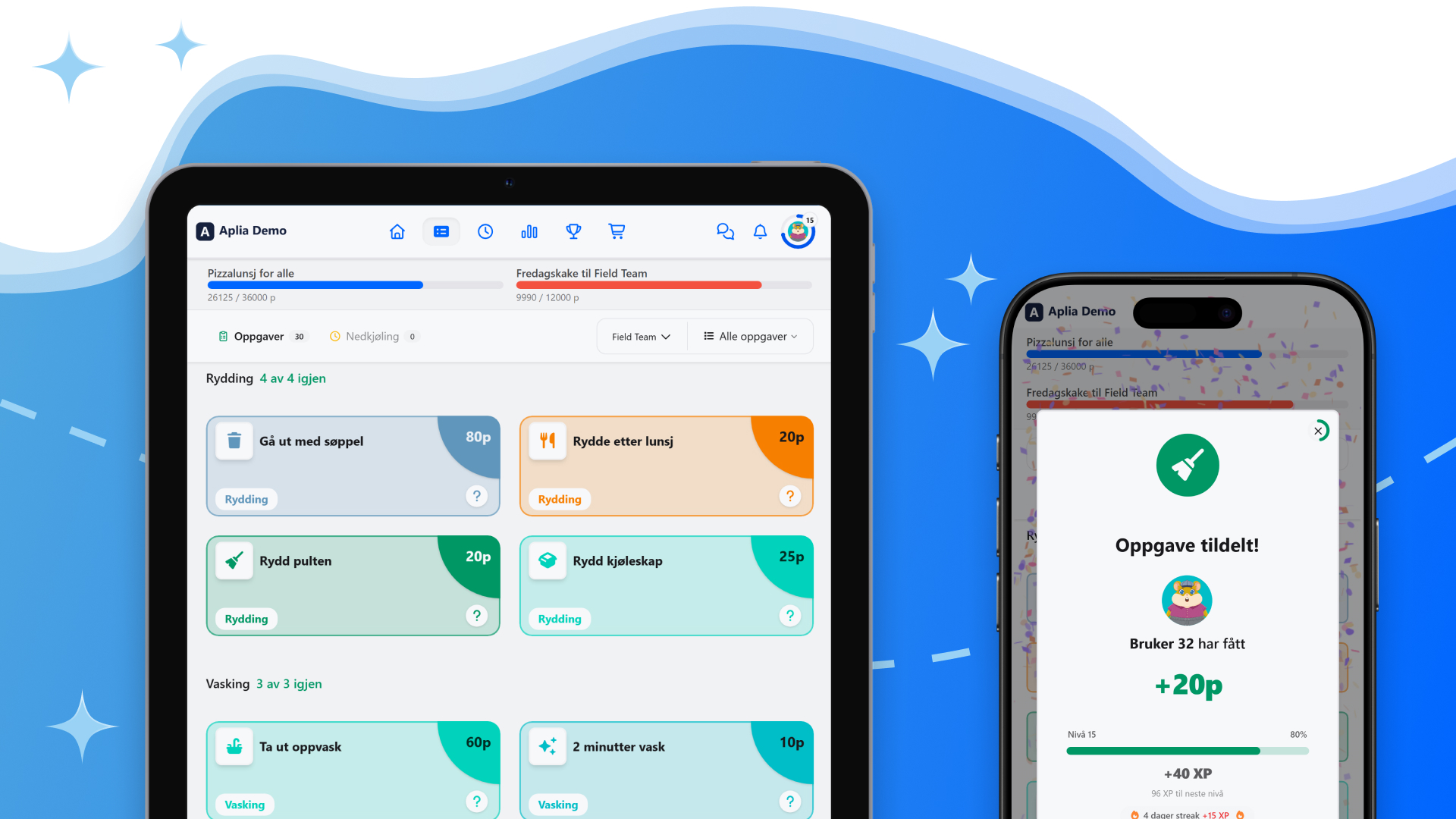
How the team stays in the loop without daily status meetings
When the chores are visible, the status meeting becomes a recap of something everyone already knows.
When the chore lives on the wall: shared screens and NFC
Not everyone works in front of a screen. Then the chore has to live where the work is done.
Frequently asked questions
How do we get started?
Registration takes you through four steps: company registration number, admin account, workspace and terms. The company number looks up the company name and address for you. You can do it in the browser or in the app. It's the same registration.
What does it cost, and can we try it first?
Yes, a new workspace starts with a trial period. Afterwards Taskhamster Business costs NOK 990 per month plus NOK 350 per department, with no commitment. Get in touch if you want a quote for many departments.
How do I log in?
With your email address and your password. The username you chose at registration is the name colleagues see, not something you log in with.
How do we bring the employees on board?
By email. Employees join through an invitation; they can't register into a workspace on their own. The invitation lasts seven days and can be resent or withdrawn.
Can employees use the account they already have?
Yes. One email address is one account, and that account can belong to as many workplaces as needed. Anyone already using Taskhamster at home uses the same login at work.
Can employees without an email address take part?
Yes. An administrator can create members without an address, and they complete chores on a shared device without logging in. If they're to have their own login, the administrator attaches an email address to them and sends an invitation.
What is a kiosk device?
A shared screen at the workplace that stays logged in for one department. Employees tick off tasks on it without logging in every time, and when it sits unused it shows a screensaver with the people in the lead. An administrator creates the device in the admin, and the device is paired once. A tablet with the app is the usual form, but a browser can also be set to kiosk mode.
Can we use NFC tags?
Yes. Chores can be tied to an NFC tag, so an employee holds the device to the tag where the chore belongs. It requires an Android device with NFC; the app also installs on devices without, and then this one feature is the only one unavailable.
How many departments can we have?
The number is set for the workspace when you register, and can be changed in dialogue with us.
What language is the workspace in?
Norwegian. The choice between Norwegian, English, Swedish and Danish applies to the private edition; a workspace is shown in Norwegian.
Is there a tool for organising office tasks on a shared screen?
Taskhamster Business shows the department's tasks on a shared screen, each employee ticks tasks off on their phone, and the monthly report is created automatically.
How much does Taskhamster cost for businesses?
NOK 990 per month for the business, plus NOK 350 per month for each department.
Is Taskhamster suitable for small businesses?
Yes. The price follows the number of departments, so a small business with one department pays NOK 990 plus NOK 350 a month.
Predictable, whatever your size
Base plan
Start with one month free, no commitment
- Full access to every feature
- Unlimited users
- Unlimited tasks
- Statistics
990 kr/mo
+350 kr per department
Tailored
Many departments, or need something tailored?
- Full access to every feature
- Unlimited users
- Unlimited tasks
- Statistics
Contact us
Contact us